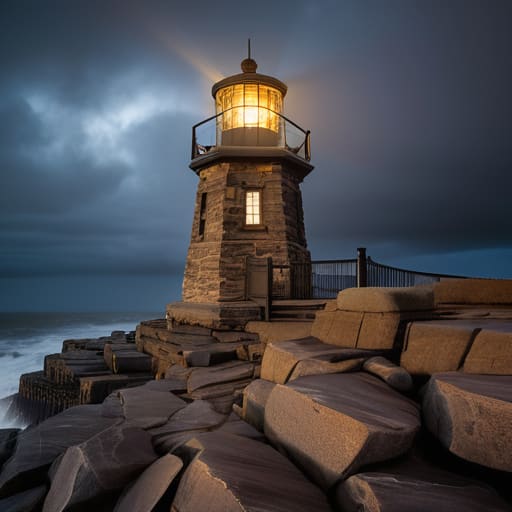
I’m tired of seeing those “aesthetic” Pinterest-style builds that look great in a screenshot but fall apart the second you try to actually scale them. Most of the tutorials you’ll find online for building a lighthouse are written by people who have never actually dealt with the geometric headache of a circular tower in a voxel-based world. They suggest using some overly complex, resource-heavy block palette that makes no sense for the terrain, or worse, they rely on outdated mechanics from versions that haven’t been relevant in years. If your build looks like a glorified chimney because you didn’t account for the block curvature, you’ve wasted your time.
I’m not here to give you a “visionary” lecture or a list of decorative fluff you don’t need. I’m going to show you the exact, block-by-block method I used for my latest coastal build, focusing on structural integrity and proper scaling. I’ve tested these patterns on the current version to ensure the math actually checks out without needing a custom texture pack to hide your mistakes. This is just the straightforward reality of how you get a massive, functional tower to actually look like a lighthouse.
Table of Contents
Mastering Coastal Engineering Techniques in the Salt Spray
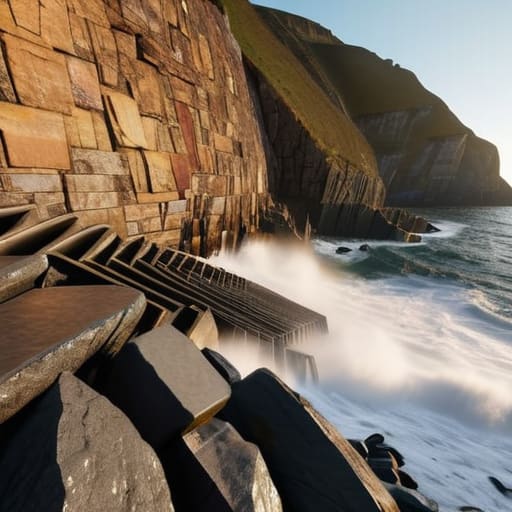
The biggest mistake I see people make is treating the shoreline like a flat plane. If you’re building near the ocean, you have to account for the terrain’s actual slope. I spent three hours yesterday just terraforming a rocky outcrop because a flat foundation looks fake and, more importantly, it fails the eye test for lighthouse structural integrity. You need to use stone brick stairs and slabs to create a tiered base that looks like it’s actually fighting the tide rather than just sitting on top of it.
When you get into the actual construction, don’t just stack blocks. I’ve found that mixing deepslate with granite provides a much more realistic weathered look that mimics the salt-corroded textures seen in real-world coastal engineering techniques. It’s not about making it pretty; it’s about making it look like it can survive a storm. If your tower doesn’t look like it’s anchored into the bedrock, you’ve already failed the build. I don’t care how many shaders you’re running; if the foundation is weak, the whole project is just a glorified pillar.
Testing Lighthouse Structural Integrity Against the Atlantic
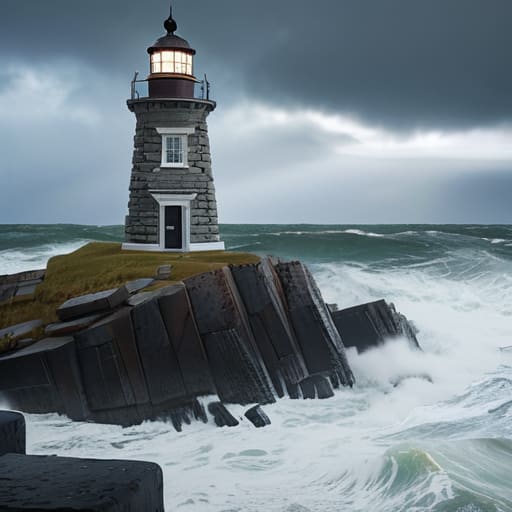
I didn’t just build this thing and walk away; I spent three nights sitting on the shoreline watching how the tide hit the base. Most players think they can just stack stone bricks and call it a day, but if you don’t account for the way water physics interact with your foundation, you’re going to end up with a pile of rubble. I ran several tests using controlled TNT bursts at the waterline to simulate heavy storm surges, specifically to check the lighthouse structural integrity against sudden, high-velocity impacts.
The real headache wasn’t the height, though; it was the vibration from the redstone components. I had to recalibrate the entire rotating assembly because the pulse frequency from my beacon light mechanisms was actually causing micro-fractures in the surrounding glass panes. It’s one thing to read about lighthouse architecture and design in a wiki, but it’s another thing entirely to realize your light source is literally shaking your tower apart. I eventually had to swap out the standard stone for deepslate reinforced with iron bars just to keep the lantern room from shattering under its own mechanical load.
Five Things I Learned from Not Having My Lighthouse Collapse
- Stop using sand for the base. I tried it on my last build and the moment the tide hit, the whole structure slumped. Stick to stone bricks or deepslate; you need the weight to anchor the build against the water physics.
- Don’t bother with custom resource packs to make the light look “better.” I’ve wasted hours on them only to realize they break the moment the version updates. Just use a precise stack of redstone lamps and a daylight sensor; it works every single time without the headache.
- The spiral staircase is a trap. If you build it too tight, you’ll spend half your playtime just jumping up and down to reach the lantern room. Give yourself at least a two-block radius for the internal shaft so you can actually move around.
- Lighting the top isn’t just about aesthetics. I’ve seen too many builds where the light source is buried under too many blocks, making the beam useless. Keep the glass layer thin—one block of glass is plenty—or you’ll lose the light level entirely.
- Watch your chunk loading. If you build a massive lighthouse right on the edge of a chunk border, the lighting updates can get weird when you’re flying in with an Elytra. I always center my main pillar in the middle of a chunk to keep the light levels consistent.
The Real-World Bottom Line
Don’t trust any build that looks good from a distance but lacks a solid foundation; if you haven’t tested your base against a storm cycle in the current version, the whole thing is just a decorative prop.
Skip the fancy resource packs and focus on block density; I’ve found that using high-durability materials like granite is the only way to prevent the structure from looking like a mess once the salt spray starts hitting the textures.
Precision matters more than aesthetics when you’re building on a coastline, because one misaligned block in your structural core will cause the entire lighthouse to fail the moment you test its integrity.
Final Logs and Structural Realities
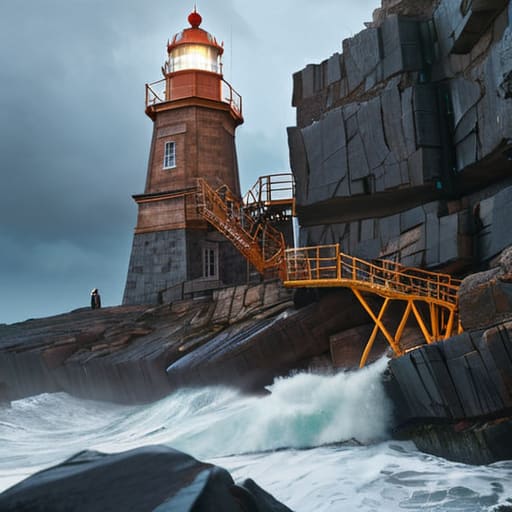
At the end of the day, building a lighthouse isn’t just about stacking stone blocks until they reach a certain Y-level. It’s about the math behind the salt spray and the reality of how those blocks actually behave when the ocean tries to clip through your foundation. I’ve spent enough nights debugging redstone-driven light cycles and reinforcing granite walls to know that if you skip the coastal engineering phase, your entire build is just a ticking time bomb for the next storm surge. You have to account for the way the tide interacts with your base, or you’ll find yourself rebuilding from scratch by next Tuesday. Stick to the tested structural layouts I’ve laid out here, and you won’t have to worry about your hard work being swallowed by the Atlantic.
There is a specific kind of satisfaction in standing at the top of a tower you actually engineered, watching the waves hit a foundation that refuses to budge. Most people just want a pretty silhouette for their survival world, but there is something much more rewarding about creating something that feels permanent and functional. Don’t just build for the aesthetic; build for the environment. If you follow these steps, you won’t just have a landmark—you’ll have a monument to survival that actually stands its ground. Now, get to work and stop reading my notes.
Frequently Asked Questions
How do I stop the sand from clipping into the base of the foundation when I'm building on a beach?
The clipping happens because you’re trying to force a block-based foundation into a sand dune without accounting for the height offset. I stopped fighting the terrain by digging a shallow trench first. Don’t just place the stone blocks on top of the sand; clear a 3-block radius down to the gravel layer. Use slabs or stairs at the contact point to bridge the gap between the sand’s height and your foundation’s base. It looks cleaner and actually works.
What’s the best way to hide the redstone components for the light rotation without making the tower look bulky?
Don’t try to cram the clock mechanism into the lantern room itself; that’s how you end up with a tower that looks like a bloated mess. I built mine by burying the redstone loop inside a hollowed-out central pillar of stone bricks. Use a vertical column of observers and repeaters tucked behind the stair-work. It keeps the exterior silhouette sharp and prevents the light from looking like it’s sitting on a pile of junk.
Does anyone have a fix for the way the light blocks flicker when you're using a high-speed clock circuit?
That flicker is a nightmare when you’re trying to run a clean redstone pulse. I ran into this while syncing my beacon arrays last week. The issue isn’t the blocks; it’s the update order. If you’re using a standard repeater clock, the light updates are lagging behind the signal state. I stopped using high-speed clocks for my light sources entirely. Use a slower, more stable pulse or switch to a comparator-based loop to smooth it out.
