
Most people think that learning how to build a market square is all about picking a pretty color palette and throwing down some colorful wool tents. That is a lie. I learned that the hard way when I spent six hours detailing a merchant row on my last server, only to realize the entire layout felt completely suffocating because I hadn’t accounted for player pathfinding or sightlines. You can have the most aesthetic stalls in the world, but if the central plaza feels like a cramped alleyway, your build is a failure.
I am not going to give you a list of “aesthetic ideas” that look good in a screenshot but break the moment a player actually walks through them. Instead, I am going to show you the exact structural framework I used to lay out my last functional plaza. This guide covers the actual math behind spacing, how to manage ground texture transitions so your paths don’t look like accidental spills, and how to ensure your stalls actually feel like part of a living town. I’ve tested every single one of these measurements on the current version, so you won’t have to waste your time fixing a layout that doesn’t scale.
Table of Contents
Guide Overview
Tools & Supplies
- Measuring tape for layout accuracy
- Hammer or mallet for assembly
- Saw for cutting timber to size
- Level to ensure flat surfaces
- Wooden planks (10-15 units)
- Timber posts (4-6 units)
- Paving stones or gravel (1 bag/pallet)
- Screws and fasteners (1 box)
- Wood sealant (1 can)
Step-by-Step Instructions
- 1. Don’t just clear a random patch of grass and call it a day. I’ve seen too many builds fail because the footprint was too cramped for actual player movement. Start by marking out a 15×15 or 20×20 area using coarse dirt or gravel. This gives you a defined boundary that separates the “commercial” zone from the rest of your town without needing a massive wall.
- 2. Lay down your base flooring using a mix of materials rather than a single block type. If you use only cobblestone, it looks like a flat, boring mess. I usually mix in andesite and stone bricks to create a weathered, realistic texture. Avoid using anything too “clean” looking; a market should feel lived-in and slightly worn down by foot traffic.
- 3. Define your central focal point before you even touch a stall. Every functional square I’ve built needs a center—a fountain, a well, or a large custom tree. I prefer a simple stone well because it provides a natural gathering spot that doesn’t require complex redstone to look functional. Make sure this center point is perfectly centered within your marked boundaries, or the whole layout will feel lopsided.
- 4. Build your vendor stalls using a modular approach. Don’t try to make every stall unique from scratch; instead, design one solid “template” stall that is roughly 3×3 or 4×4 blocks. Once you have a template that looks good, you can rotate and slightly vary the colors of the wool awnings to prevent the square from looking like a repetitive factory line.
- 5. Add “clutter” to make the space feel occupied. A market without details is just a collection of boxes. I always place a few barrels, some composters, and perhaps a few hay bales around the edges of the stalls. This isn’t just for aesthetics; it gives the player the impression that these stalls are actually stocked and ready for trade.
- 6. Install lighting that doesn’t ruin the vibe. Torches stuck directly into the ground look amateur and break the immersion. I use lanterns hanging from fences or hidden light sources like glowstone tucked under colored carpets or leaf blocks. If you can see the light source immediately, you’ve probably done it wrong.
- 7. Finally, check the player pathing. Walk through your square from every possible entrance to ensure you aren’t getting stuck on corner blocks or awkward stair placements. If the movement feels clunky, tear up the flooring and smooth out the transitions. A market square is useless if players can’t navigate it without jumping every two seconds.
Mastering Pedestrian Flow Management Through Real World Trial
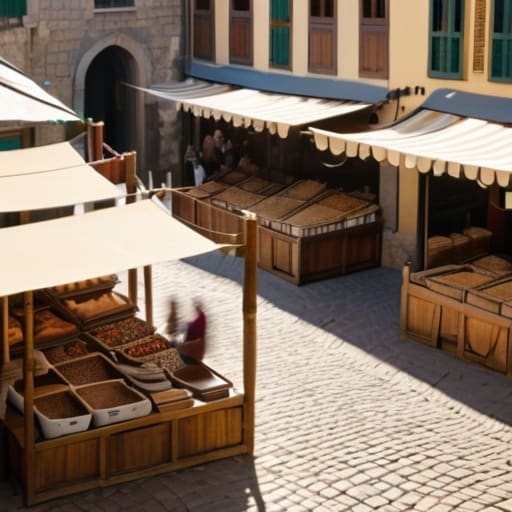
When I was setting up the central hub for my last server, I realized that most people treat a market square like a static decoration rather than a living space. You can have the best-looking stalls in the world, but if your pedestrian flow management is non-existent, your square will just feel like a cluttered mess of entities and blocky bottlenecks. I spent a few days testing different pathing layouts with several players running around simultaneously, and what I found was that people naturally gravitate toward the widest gaps. If you cram your stalls too close to the main entrance, you create a choke point that makes the entire area feel claustrophobic.
I’ve learned that effective vendor space allocation requires more than just leaving a three-block gap between chests. You need to account for the “stop-and-stare” factor. I usually leave a wider buffer in front of high-value shops because players will naturally halt their movement to check inventories. If you don’t build these intentional breathing spaces into your layout from the start, you’ll end up with a chaotic mess of players bumping into each other, which ruins the vibe of the whole community hub.
Why My Vendor Space Allocation Strategy Actually Works
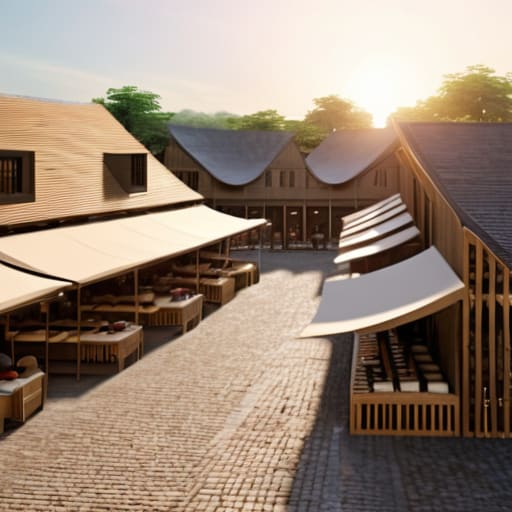
Most people just throw down some colored wool and call it a day, but that’s how you end up with a cluttered mess that looks like a laggy server spawn. When I was designing the central hub for my last survival project, I realized that vendor space allocation isn’t just about aesthetics; it’s about preventing players from getting stuck in corners. I stopped treating stalls like decorations and started treating them like functional units. I leave a minimum three-block buffer between every single stall, not because I want it to look “clean,” but because if you don’t, your players will constantly be bumping into each other and breaking the immersion.
I also learned that you have to account for the visual weight of your structures. If you place a massive blacksmith stall right next to a tiny flower vendor, the scale feels completely broken. I use a specific set of market stall placement strategies where I group high-traffic items—like food and basic tools—in the center, and push specialized, low-frequency shops to the periphery. This prevents the “bottleneck effect” I kept seeing in my early builds. If you don’t plan for the way people actually move through the space, you aren’t building a square; you’re just building a maze.
Five things I learned by actually walking through my builds
- Stop using full slabs for everything; I’ve found that mixing stairs and slabs at the edges of stalls prevents that weird, unnatural “flat” look that ruins the depth of a square.
- Don’t over-decorate the center; I wasted hours on a fountain in my last build only to realize it blocked the main path and made the whole area feel claustrophobic during testing.
- Use lighting that actually makes sense for the scale—placing torches directly on the ground looks amateur, so I stick to hidden light sources or custom lamp posts to keep the paths clear.
- Leave more room for “dead space” than you think you need; if you cram every single block with a stall, players can’t actually navigate the square without feeling like they’re stuck in a corridor.
- Test your color palette with vanilla textures only; I refuse to use packs, so I’ve learned exactly which block combinations look like actual mud or stone without needing a high-res texture to do the heavy lifting for me.
Summary of What Actually Matters
Don’t trust a layout just because it looks good in a screenshot; if you haven’t walked the path yourself to check for dead ends or awkward corners, your square will fail the moment players actually use it.
Stick to a strict vendor-to-path ratio, otherwise you’ll end up with massive bottlenecks that make your market feel like a laggy server instead of a functional hub.
Prioritize structural foundation over decorative fluff, because it’s much easier to add a few lanterns later than it is to tear up a poorly planned cobblestone layout.
Final Implementation Notes
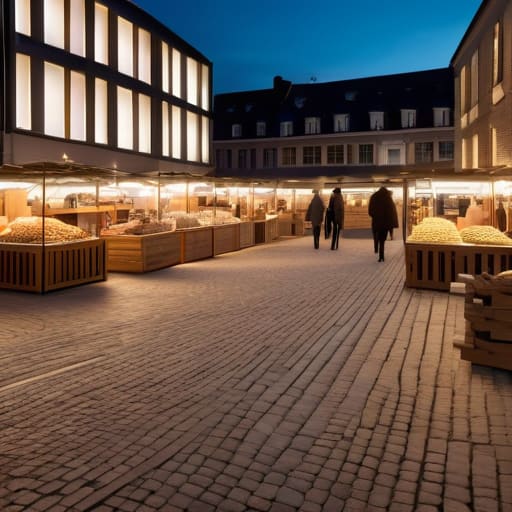
At the end of the day, building a functional market square isn’t about how many decorative lanterns you can cram into a single corner. It comes down to the two things I’ve spent dozens of hours testing: logical vendor spacing and actual pedestrian movement. If you ignore the flow and just place stalls wherever they look “aesthetic,” you’ll end up with a cluttered mess that feels dead the moment players actually try to use it. Stick to the grid logic I laid out, ensure your paths are wide enough to prevent bottlenecking, and don’t forget that the foundation determines how the whole square breathes.
I know it’s tempting to just grab some pre-made schematics or follow a tutorial for a version of the game that isn’t even running on your server anymore, but that’s how you end up with a build that feels hollow. Real construction is about the trial and error of placing every single block until the layout feels intuitive. Stop looking for the easy way out and start building the way it’s meant to be done. Once you get that first square functioning perfectly without any lag or pathing issues, you’ll realize that the work was actually worth it.
Frequently Asked Questions
How do I prevent the market square from looking like a flat, boring slab of stone once I actually start adding the stalls?
Stop thinking in flat layers. The second you drop a row of stalls on a level stone slab, the whole thing looks like a parking lot. I always break up the ground height by at least half a block. Use stairs, slabs, and even some coarse dirt to create “depressions” where the heavy foot traffic would naturally wear down the paths. If the ground isn’t uneven, it isn’t a lived-in square; it’s just a floor.
What’s the best way to handle lighting so the area doesn't become a massive mob spawning ground at night without using ugly torch spam?
Stop burying torches in the ground like it’s 2012. I’ve spent way too many nights cleaning up creepers in my market builds because I tried to be “aesthetic.” Use light blocks hidden under moss carpets or leaf blocks to keep the light level up without the clutter. If you’re building stone paths, swap some blocks for slabs or stairs; mobs can’t spawn on non-full blocks, and it looks intentional rather than like a mess.
If I’m building this on a survival server, how do I stop players from just griefing the vendor layouts or stealing the decorative blocks?
Look, if you’re running this on a survival server, you can’t rely on player goodwill. I’ve seen enough griefed spawns to know better. Don’t use expensive, rare blocks for “decoration”—use something common like stone bricks or gravel so a thief doesn’t actually ruin your economy. More importantly, use invisible item frames or specific block placement to mark “protected” zones, and if your server allows it, use plugins to lock the actual vendor stalls. Physical barriers aren’t enough; you need technical ones.
