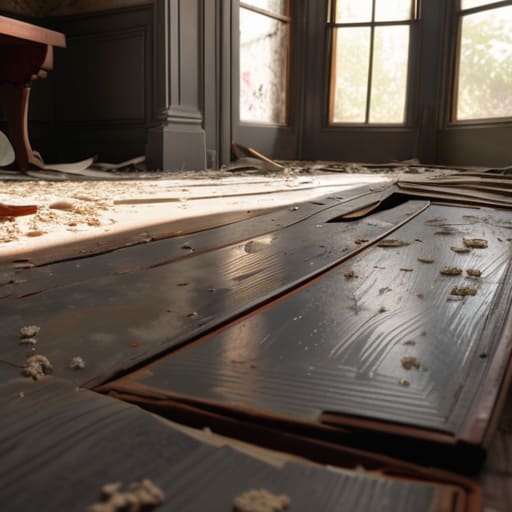
Most people think that learning how to build a ruin is all about randomly breaking blocks and scattering stairs around like you’re playing a game of Tetris with no plan. They see those “aesthetic” builds on YouTube and assume it’s just about adding mossy cobblestone and calling it a day. I spent three days straight on my latest survival world trying to replicate that “natural” look, only to realize that most of those tutorials are based on outdated mechanics or, even worse, resource packs that hide the actual block textures. If you can’t make it look good with the vanilla blocks exactly as they are, you aren’t actually building; you’re just decorating.
I’ve spent the last week testing specific structural decay patterns on the current version to see what actually holds up visually without looking like a mess. In this guide, I’m going to show you the exact logic I use to simulate structural collapse and how to layer textures so the build feels lived-in rather than just broken. No fluff, no fancy shaders, and definitely no texture packs—just the practical methods I used to finish my last project.
Table of Contents
Guide Overview
Tools & Supplies
- Hammer for securing structural supports
- Chisel for shaping stone edges
- Sandpaper for distressing surfaces
- Reclaimed bricks or stones (large quantity)
- Mortar mix (1-2 bags)
- Fast-drying cement (1 bag)
- Moss or lichen (small amount for aging)
Step-by-Step Instructions
- 1. Stop trying to build a perfect rectangle. If you start with a clean, symmetrical outline, your ruin will look like a kid’s project rather than something that actually decayed. I always start by scattering a few randomized blocks—cobblestone, stone bricks, and mossy variants—to define the footprint. This creates an organic shape that looks like the foundation was swallowed by the terrain over time.
- 2. Build your primary walls up to a height that feels “broken.” Don’t just stop the wall at a certain block level; instead, use stairs and slabs to create jagged edges that mimic a collapse. I usually aim for a height of about 5 or 6 blocks for a small structure, then immediately start removing chunks from the middle of the walls to simulate structural failure.
- 3. Layer your textures. This is where most people fail because they just slap down a bunch of stone and call it a day. I use a technique of interleaving different block types within the same wall. If you’re using stone bricks, mix in cracked stone bricks and regular cobblestone. It shouldn’t look like a pattern; it should look like the material is literally crumbling under its own weight.
- 4. Integrate the environment into the build. A ruin isn’t a ruin if it’s sitting on top of the grass like a new house. I spend a lot of time digging out the floor and replacing it with coarse dirt, gravel, or even path blocks to make it look like the building has settled into the earth. If there’s a wall, I’ll surround the base with leaf blocks or vines to show that nature is reclaiming the space.
- 5. Add the “debris” layer. This is the step that separates a basic build from something that actually looks lived-in. I scatter broken stairs and slabs around the base of the walls to act as fallen masonry. If you have a hole in a wall, place a few more broken blocks on the ground directly beneath it. It creates a visual connection between the structure and its destruction.
- 6. Fix the lighting. Since I don’t use texture packs, I rely entirely on the vanilla lighting engine to create atmosphere. I avoid placing torches in obvious, neat rows. Instead, I hide light sources—like glowstone or lanterns—underneath leaf blocks or slabs to create a dim, moody glow that highlights the textures without making the whole ruin look like a brightly lit showroom.
Architectural Decay Principles I Tested in the Field
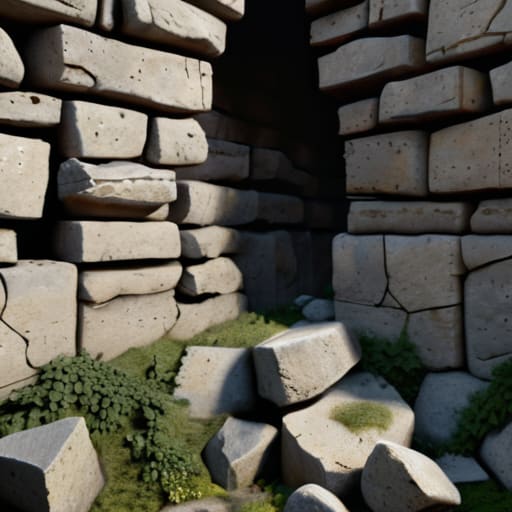
Most people think you just delete a few blocks and call it a day, but that’s why most builds look like a glitch rather than a structure. When I was working on my last server build, I realized that true architectural decay principles rely on breaking up the silhouette. If your walls are perfectly straight, they don’t look old; they look like a player forgot to finish a house. I spent a few hours testing different ways of simulating historical erosion by replacing standard stone bricks with cracked variants and stairs to create “missing” chunks. You have to think about gravity, even if the game engine doesn’t strictly enforce it.
Another thing I noticed is that color palette matters more than you’d think. I stopped using just one block type for my ruins and started experimenting with weathering techniques for stone by mixing in Andesite and Cobblestone. The goal isn’t to make it look messy, but to make it look like the environment is reclaiming the space. I found that placing mossy blocks specifically at the base and corners of the structure makes it feel grounded in the landscape rather than just sitting on top of it.
Simulating Historical Erosion Through Hands on Weathering Techniques for St
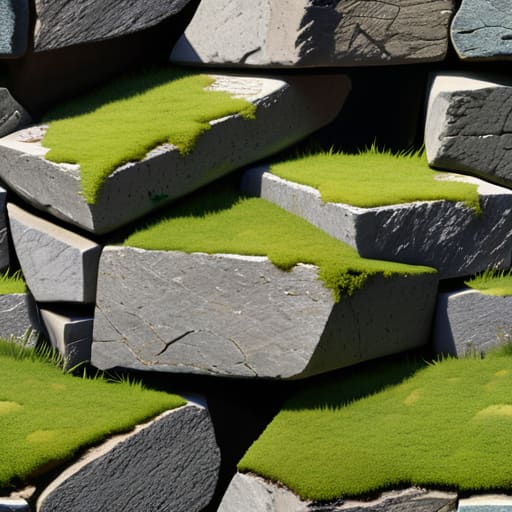
I spent a few hours yesterday specifically testing how different block palettes react to light levels in the current build, and it’s clear that most people mess up the transition between stone types. To actually achieve realistic weathering techniques for stone, you can’t just swap cobblestone for mossy cobblestone and call it a day. I found that the most effective way to simulate depth is by layering cracked stone bricks with stairs and slabs to create “missing” chunks in the foundation. If you’re just slapping blocks down in a grid, it looks like a glitch, not a ruin.
When I’m simulating historical erosion, I focus heavily on the contact points where the structure meets the ground. I’ve learned that using buttons or pressure plates as “debris” helps break up those harsh, artificial lines that make a build look too clean. I also avoid using any texture packs to test this; I rely purely on the vanilla block gradients. If you want the stone to look like it’s actually being reclaimed by the environment, you have to manually break the silhouette of the wall using irregular patterns rather than following the straight lines of the original build.
Five Mistakes I Kept Making Before I Got This Right
- Stop using symmetry. Real ruins don’t follow a blueprint; they collapse in chunks. If you build a perfectly symmetrical wall and then just delete half of it, it looks like a player error, not a structural failure. I had to manually break the lines to make it look like the ground actually claimed it.
- Watch your light levels. One thing I noticed while testing different layouts is that a ruin looks fake if it’s too bright. I use slabs and stairs to create “shadow pockets” where the structure has partially collapsed, ensuring the interior feels dark and forgotten rather than just an empty room.
- Don’t just use one block type. If you’re building a stone ruin, you can’t just use Cobblestone. I’ve found that mixing in Mossy Cobblestone and Andesite—specifically in the areas where the “weathering” is heaviest—is the only way to prevent the build from looking like a flat, textured wall.
- Gravity is your best friend, but only if you use it correctly. I stopped trying to build “broken” roofs with full blocks. Now, I use stairs and slabs to simulate falling debris. It’s the difference between a building that looks like it was hit by a creeper and one that looks like it’s been sitting there for a century.
- Leave the floor messy. A clean floor kills the immersion immediately. I spent a few hours on my latest build just scattering buttons, pressure plates, and coarse dirt to simulate the rubble that would naturally accumulate in a collapsed space. If the floor is flat, the ruin isn’t finished.
Summary of My Testing Process
Stop trying to make everything look “old” by just replacing stone with cobble; real decay is about irregular outlines and missing chunks, not just a texture swap.
I found that the most effective way to simulate erosion is to work from the top down, letting “gravity” dictate where the blocks actually fall.
If your ruin looks like a perfect rectangle with some random holes, you’ve failed; you need to break the structural silhouette to make it look like it actually survived the elements.
Final Thoughts on the Build
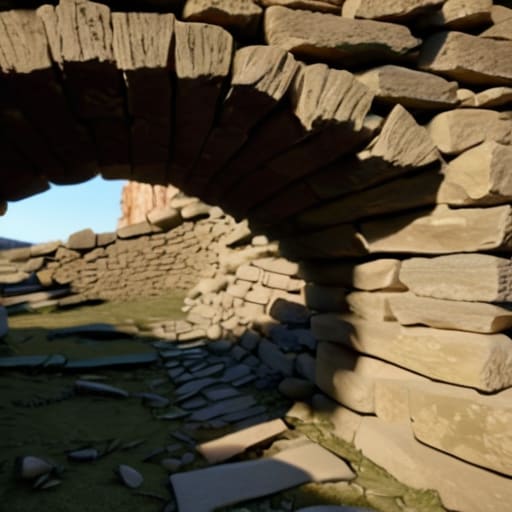
At the end of the day, building a ruin isn’t about placing random blocks and hoping for the best; it’s about understanding how a structure actually fails. I’ve spent the last week iterating on these stone weathering techniques, and the difference between a “messy pile of cobblestone” and an actual piece of history comes down to the intentionality of the decay. You have to respect the physics of the original build. If you follow the erosion principles I laid out and actually test your block gradients in the current lighting engine, you won’t end up with something that looks like a glitch. Stick to the structural logic I’ve demonstrated here, and your builds will actually hold up under scrutiny.
Stop looking for a magic texture pack to do the work for you. I know it’s faster, but it’s lazy, and it kills the soul of the build. Realism in Minecraft comes from how you manipulate the vanilla assets to tell a story of what used to be there. Once you stop trying to “decorate” and start trying to simulate time, your entire approach to world-building changes. Go out there, break some walls, and see what the landscape does to them. That is where the real building begins.
Frequently Asked Questions
How do I stop the build from looking like a mess of random blocks when I'm trying to simulate a collapsed roof?
The mistake most people make is thinking “collapse” means “randomness.” It doesn’t. Gravity follows a logic, even in Minecraft. When I’m working on a roof, I don’t just scatter slabs; I pick a structural failure point—like a single support beam—and let the decay radiate from there. Use a gradient of similar blocks rather than a rainbow of random ones. If the structural integrity fails at point A, the mess should flow toward point B.
Does using stairs and slabs actually help with the erosion look, or does it just make the build look too "clean"?
It’s a fine line. If you just line them up, it looks like a prefab kit. I’ve found that if you use them to create irregular “chunks” missing from a wall, they work. The trick is to avoid symmetry. Don’t use a slab to create a flat floor; use it to mimic a corner that’s literally crumbled away. If the shape looks intentional, it works. If it looks like a pattern, it’s too clean.
What’s the best way to integrate natural terrain growth into the ruins without the whole thing looking like a deliberate garden project?
The mistake everyone makes is placing vines and leaves in neat patterns. That looks like a landscaping job, not decay. I stopped using bone meal for this; it’s too predictable. Instead, I use moss blocks and coarse dirt to break up the foundation, then let the terrain “climb” the walls by replacing random corner blocks with stairs or slabs. If the growth doesn’t look like it’s fighting the structure for space, you’ve gone too far.
