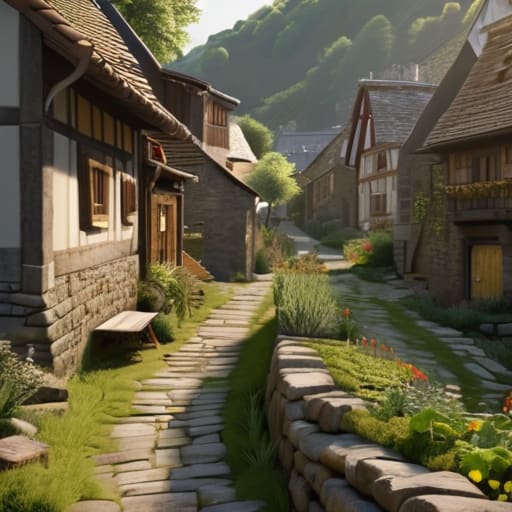
I’m sick of seeing those “mega-build” tutorials that claim you need a thousand custom resource packs and a degree in architecture to make a settlement look real. Most of those guides are useless because they rely on assets that don’t even exist in the vanilla game, leaving you with a beautiful screenshot that’s impossible to actually play in. If you’re searching for how to build a believable village, you don’t need a massive shader pack or a library of custom textures; you just need to understand how the game’s engine actually handles space and pathfinding.
I’m not going to give you any theoretical fluff or “aesthetic” tips that fall apart the moment you try to spawn a single villager. I’ve spent the last month manually iterating on a single settlement in my current survival world, testing every path, well placement, and house layout to ensure it actually functions. I’m going to show you the exact, tested methods I used to create depth and history using nothing but the blocks available in your inventory. No hype, no fake assets—just the practical reality of building something that feels lived-in.
Table of Contents
Applying Organic Village Layout Principles to My Own Maps
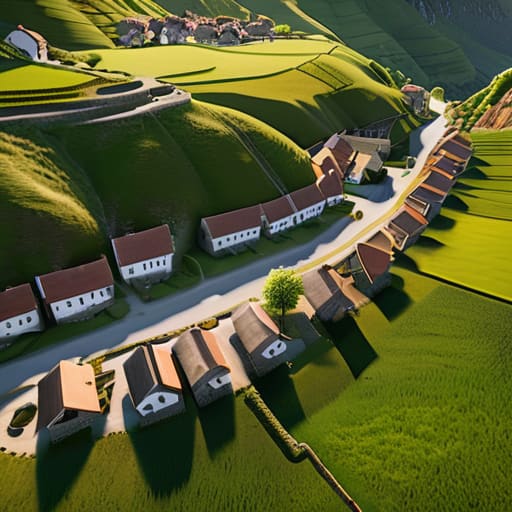
When I sit down to start a new build, I don’t start with houses; I start with the terrain. Most people make the mistake of flattening a huge area and then plopping down buildings in a perfect grid, which looks incredibly artificial. Instead, I use organic village layout principles by letting the hills and rivers dictate where the paths go. If there’s a steep slope, the houses follow the contour of the land rather than fighting it. I’ve found that if you force a straight road through a mountain, the whole settlement immediately loses its sense of history.
I also focus heavily on environmental storytelling in map making to prevent that “empty” feeling. In my last project, I didn’t just place a well in the center; I built a small, muddy clearing around it with a few broken fences and some scattered hay bales. It’s these small, messy details that make a place feel lived-in. I don’t care about making things look “pretty” or symmetrical—I care about making them look like they actually grew there over time.
Why I Abandoned Generic Fantasy Town Architecture Tips
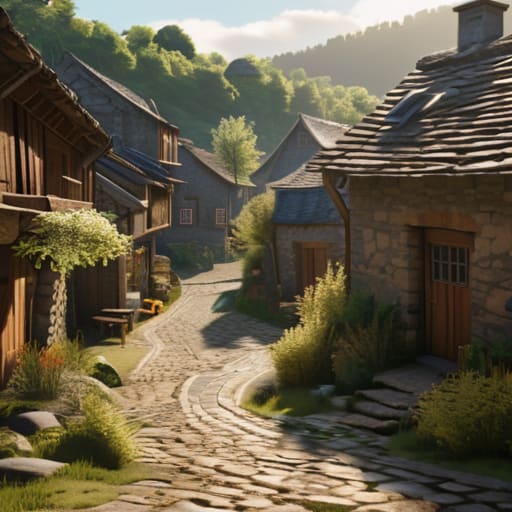
Most of the advice you find when searching for fantasy town architecture tips is useless. They tell you to “add variety” or “use different blocks,” which is basically just code for “make it look messy.” I used to follow those generic tutorials, building these perfectly symmetrical, centered plazas that looked more like a theme park than a living community. The problem was that they lacked any sense of purpose. They didn’t feel like places where people actually lived; they felt like sets built for a screenshot.
I realized that if I wanted to actually succeed at worldbuilding settlement design, I had to stop thinking like an architect and start thinking like a resident. Real settlements aren’t planned on a grid; they grow based on necessity. I stopped trying to make things look “pretty” and started asking why a house would be placed next to a well or why a path would curve around a specific hill. Once I stopped chasing those polished, unrealistic aesthetics and focused on how a settlement actually evolves, the entire vibe of my maps changed.
5 Things I Actually Do to Stop My Villages From Looking Like Grid-Based NPC Spawners
- Stop using paths as straight lines; I always start with a messy, irregular cluster of dirt paths and only add secondary roads once the main “artery” feels established.
- I force myself to vary the height of every single foundation because a village where every house sits on the exact same Y-level looks like a prefab asset pack.
- Use “functional clutter” like hay bales, composters, and barrels near workstations, because a house without a single piece of dropped loot or a storage block feels dead.
- I build around existing terrain features rather than flattening them, which means if there’s a hill in the way, the house gets a basement or a staircase instead of a patch of dirt.
- Every building needs a reason to exist; I never place a house unless I’ve decided if it’s for a blacksmith, a farmer, or just a random villager, because that dictates where the paths go.
The Bottom Line
Stop using symmetry; real villages grow around terrain constraints and existing paths, not on a perfect grid.
Detail matters more than scale, so focus on clutter and pathing rather than just building bigger houses.
If the layout doesn’t force a player to navigate organically, you haven’t built a village, you’ve just built a collection of buildings.
Final Thoughts Before You Start Placing Blocks
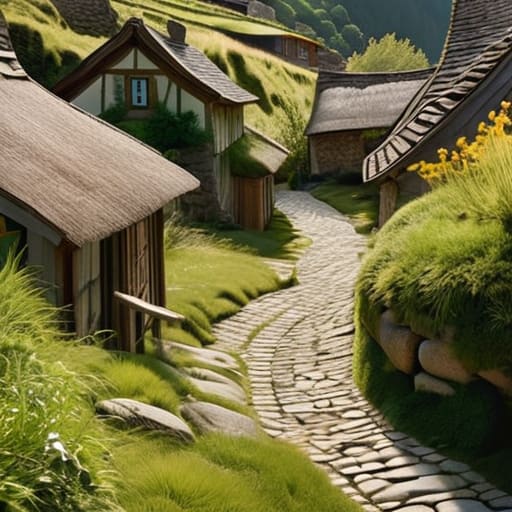
At the end of the day, building a village that doesn’t look like a copy-paste job comes down to two things: ditching the symmetry and embracing the mess. I’ve spent way too many hours staring at perfectly aligned cobblestone paths only to realize they look more like a parking lot than a living settlement. By focusing on organic layouts and moving away from those generic fantasy templates that everyone else is using, you actually create something that feels lived-in. It’s about the small, annoying details—the way a path curves around a hill or how a house looks slightly cramped because it was squeezed into an existing space. If your village looks a little bit chaotic, you’re probably doing it right.
Don’t get discouraged if your first few attempts look like a disorganized mess of wood and stone. I still have old world saves where the streets make zero sense, but those are the ones that actually have character. Stop looking for a “perfect” blueprint online and just start building based on the terrain in front of you. The most believable structures aren’t the ones that follow a tutorial; they are the ones that look like they evolved over time through necessity rather than design. Get out of your creative menu, stop worrying about the aesthetic perfection, and just build something real.
Frequently Asked Questions
How do you handle pathing and road layouts without making the whole thing look like a grid?
Stop thinking in lines. If I start by laying down straight paths, the whole thing turns into a suburban cul-de-sac immediately. I start with “nodes”—basically, I place the houses first, then connect them with messy, winding paths. I use a mix of coarse dirt, gravel, and path blocks to break up the uniformity. If a road looks too perfect, I intentionally break it with a random cluster of stone or a small dip.
What’s your process for adding detail to houses so they don't just look like repetitive resource boxes?
I stop using the same three blocks for everything. If I’m building a house, I don’t just slap down oak planks and call it a day. I start by breaking the silhouette; I’ll use stairs and slabs to create depth in the walls so they aren’t just flat planes. I also swap out random blocks—maybe a bit of stripped wood or some cobblestone near the base—to simulate wear. If the walls don’t have shadows, they’re just boxes.
How do you decide which buildings actually need to be there versus just adding "clutter" for the sake of it?
I use a “functionality first” rule. Before I place a single block, I ask: what purpose does this building serve for the inhabitants? If it’s just a random hut to fill a gap, it’s clutter, and I won’t build it. I look for logical necessities—a blacksmith needs a forge, a granary needs proximity to fields. If the building doesn’t have a job in the village’s ecosystem, it doesn’t belong on my map.
