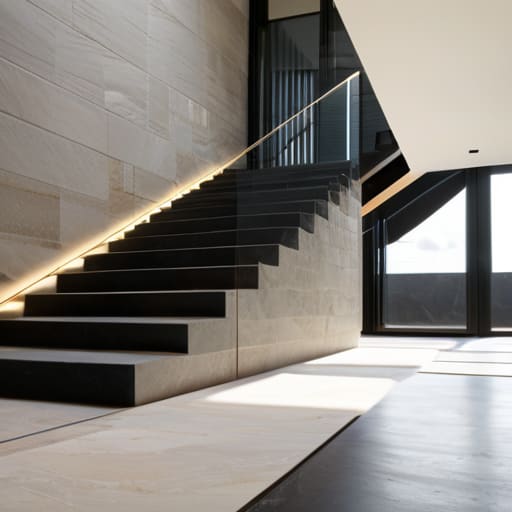
I’m tired of seeing those “mega-build” tutorials that claim you need a thousand different block types just to make a wall look interesting. Most of them are absolute nonsense, usually because they’re using resource packs that hide the very geometry they’re trying to teach. I spent three weeks on my last survival project trying to fix a crumbling stone perimeter, and I realized that half the “pro” advice online on how to use stairs and slabs for detail is actually just a way to mask bad building by throwing texture at the problem. If you aren’t using the actual shape of the blocks to create depth, you’re just making a messy pile of gravel.
I’m not going to give you a list of aesthetic “vibes” or suggest you download some 512x32x32 texture pack to make things look better. I’ve spent the last several nights testing these exact transitions in a vanilla environment, and I’m only going to show you the layouts that actually work without breaking the scale of your build. This is about understanding the hitbox and the visual profile of the block, nothing more.
Table of Contents
Mastering Structural Slab Detailing Through Hands on Iteration
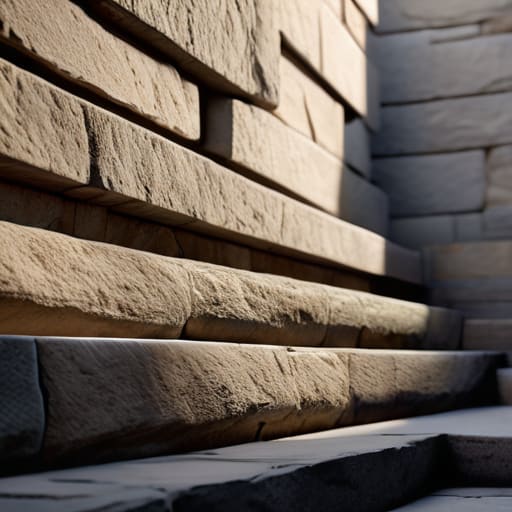
I stopped trying to follow those “pro builder” tutorials that just tell you to “add depth” without explaining why. When I was setting up my last survival base, I realized that most people fail at structural slab detailing because they treat slabs like decoration rather than actual geometry. If you just slap a slab on a block to make a ledge, it looks like a mistake. I spent three hours yesterday just testing how different slab placements affect the shadow casting on a single wall. You have to think about the way the light hits the edge; if the transition isn’t seamless, the whole build looks flat.
The trick I’ve settled on is focusing on architectural scale and proportion rather than just stacking blocks. I don’t care what some rendering software says; in the actual game engine, a stair block has a specific profile that can either break your silhouette or define it. I’ve found that using stairs to create a “buffer” between a large wall and a floor prevents that weird, floating look. It’s about testing the way the pixels actually meet at the corner. If it doesn’t look right in a raw vanilla render, it’s not worth building.
Geometric Stair Design Lessons From My Latest Model
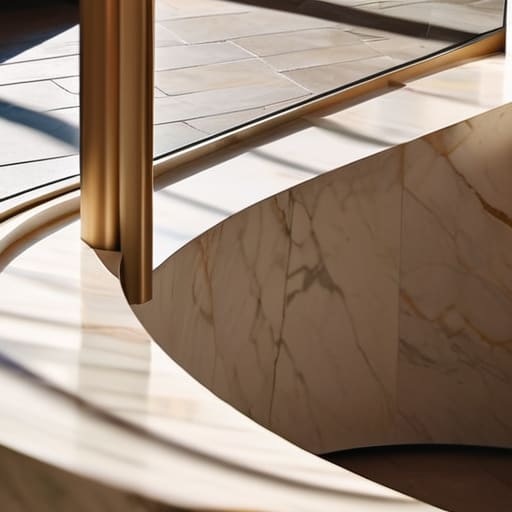
When I sat down to build my latest spiral staircase, I realized most players treat stairs like a simple way to move between Y-levels. That’s a mistake. If you want actual geometric stair design that doesn’t look like a jagged mess, you have to stop thinking about the steps as single blocks. I spent about two hours just tweaking the placement of slabs to ensure the underside of the flight had a smooth, intentional curve rather than that ugly, blocky silhouette you get with standard placement.
I also had to account for architectural scale and proportion when integrating the stairs into the main tower. If the treads are too shallow, the whole build feels claustrophobic; if they’re too deep, the ascent feels unnatural. I found that alternating between full blocks for the riser and slabs for the tread—even when it feels counterintuitive—is the only way to get the silhouette right without relying on some bloated texture pack to fix the visuals. It’s about how the geometry hits the light, not how many fancy assets you’ve loaded in.
Five things I learned the hard way so you don't have to
- Stop using slabs just to make things shorter. I used to think “half-block equals half-height,” but I realized that using them as decorative trim on the edges of full blocks actually creates much better depth than just stacking them to reach a specific Y-level.
- Watch your light levels when you go slab-heavy. I’ve spent way too much time rebuilding sections of my builds because I forgot that placing slabs in certain configurations can create awkward dark spots that torches can’t reach, making the whole build look messy.
- Use stairs for “broken” edges, not just for steps. In my last build, I stopped trying to make everything perfectly smooth and started using upside-down stairs to create the illusion of crumbling masonry or uneven foundation lines. It looks way more intentional.
- Avoid the “stair-case” trap where every single detail is a staircase. If you use stairs for every single corner, the build starts to look like a series of zig-zags. I’ve found that mixing in full blocks and then using stairs only for the transitions keeps the silhouette clean.
- Test your slab placement with the actual block you’re building with, not just a random wood type. I can’t tell you how many times I’ve finished a stone wall only to realize the slab texture doesn’t actually line up with the block’s borders, making the “detail” look like a glitch.
Key Takeaways for Your Next Build
Stop using slabs just to fill gaps; use them to create depth by breaking up flat surfaces so your walls don’t look like a single, monolithic block.
When working with stairs, always check your sightlines—I’ve learned the hard way that certain angles make your structural supports look like floating glitches rather than actual architecture.
Test your transitions in real-time because what looks good in a screenshot usually looks like a mess of pixels once you’re actually standing in the build.
Final Thoughts on the Build
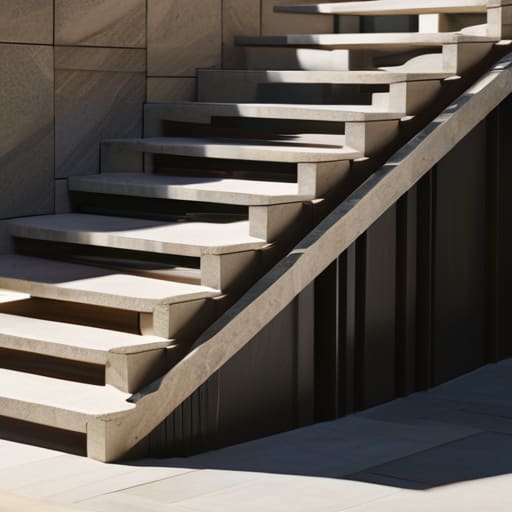
At the end of the day, detailing isn’t about following a blueprint you found on a wiki; it’s about understanding how the block geometry actually interacts with the light and the surrounding space. I’ve learned through trial and error that if you just slap slabs down to fill gaps, the build looks hollow. You have to treat every stair placement as a deliberate choice to break up a flat surface. Whether you are using them to create depth in a wall or to transition between different floor levels, the goal is to avoid that “grid-like” look that kills most builds. If you aren’t actively testing how these shapes change the silhouette of your structure, you’re just placing blocks, not designing.
Stop looking for a magic formula or a specific pattern to copy. The most important thing I can tell you is to get into the world and start breaking things. If a staircase looks too steep or a slab placement feels awkward, tear it down and try a different orientation. I’ve spent more time deleting and replacing single blocks than I have actually progressing in the game, but that’s the only way to actually master the depth that stairs and slabs provide. Build, fail, and iterate until the geometry feels right. That is the only way to move past basic survival builds and actually create something that holds up under scrutiny.
Frequently Asked Questions
How do I stop the slab edges from looking like a flat wall when I'm trying to add depth to a foundation?
The mistake most people make is just layering slabs horizontally. If you want depth in a foundation, you have to break the silhouette. I usually stop using slabs for the entire base and instead swap the bottom-most layer for stairs facing inward. This creates a recessed shadow line that makes the foundation look like it’s actually supporting the weight, rather than just being a flat block glued to the dirt. It’s about the shadow, not the block.
Is there a specific way to transition between full blocks and stairs without it looking like a jagged mess?
The “jagged mess” happens because people try to force a vertical transition where there isn’t one. I stopped doing that months ago. To fix it, you need to use slabs as a buffer. Instead of going straight from a full block to a stair, place a slab on the top half of the block below it. It breaks up the harsh line and creates a slope that actually looks intentional rather than a mistake.
How do you handle the lighting issues when using slabs for flooring in larger builds?
The light level drop-off from slabs is a massive headache in large-scale builds. I’ve found that relying on torches tucked into corners just looks cheap. Instead, I bury light sources—like glowstone or sea lanterns—one block below the slab. It keeps the floor looking clean while providing enough lux to prevent mob spawns. If you’re working with deepslate, I usually hide them under carpets or moss carpets to keep the lighting consistent without the clutter.
